Current Date & Time Functions
Today Function

Purpose
Returns the current date
Syntax
Today()
Example
Assume the current date & time is January 15, 2021 5:00:00 PM.
Today() // Result: January 15, 2021Code language: JavaScript (javascript)
Now Function
Purpose
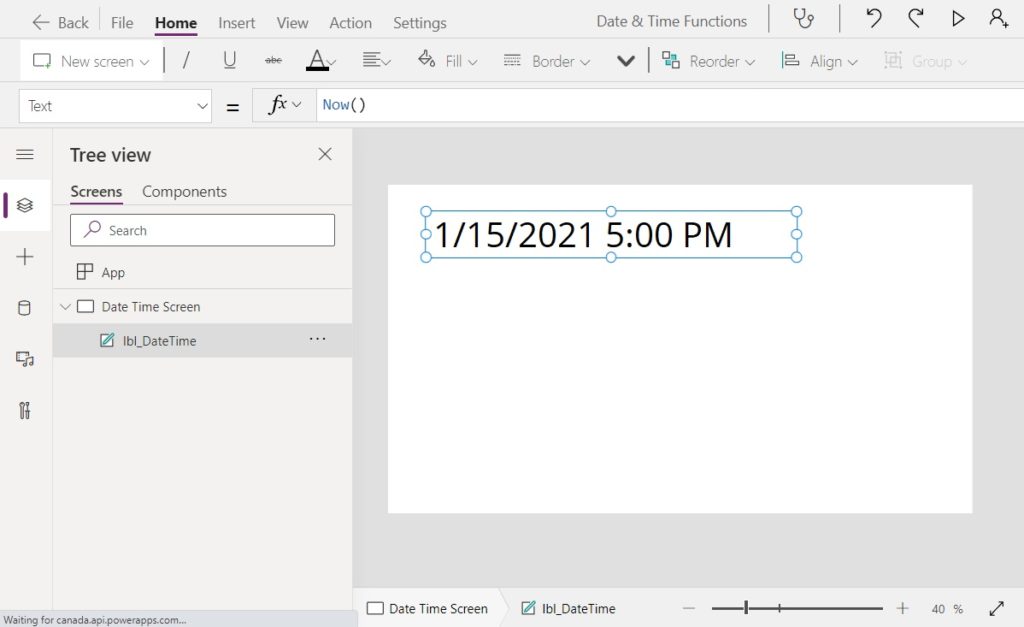
Returns the current date and time
Syntax
Now()
Example
Assume the current date & time is January 15, 2021 5:00:00 PM.
Now() // Result: January 15, 2021 5:00 PMCode language: JavaScript (javascript)
Type Conversion Functions
Date Function

Purpose
Creates a date from a year, month and day
Syntax
Date(year, month, day)
Arguments
year – number for the year
month – number for the month (January is 1, February is 2, March is 3… December is 12)
day – number for the day
Examples
Date(2021, 1, 15)  // Result: January 15, 2021
Date(2021, 9, 4)   // Result: September 4, 2021
Date(2018, 3, 11)  // Result: March 11, 2018Code language: JavaScript (javascript)
Time Function
Purpose
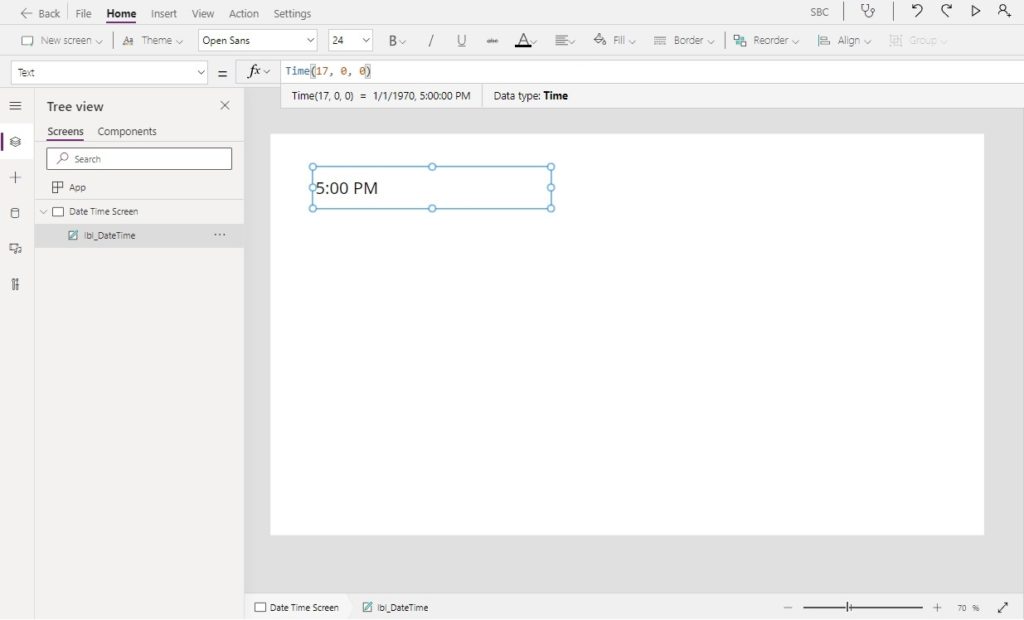
Creates a time from hours, minutes and seconds
Syntax
Time(hours, minutes, second)
Arguments
hour – number for the hour (12AM is 0, 1AM is 1, 2AM is 2… 11PM is 23)
minute – number for the minute
second – number for the second
Examples
Time(2, 30, 0)   // Result: 2:30 AM
Time(14, 30, 0)  // Result: 2:30 PM
Time(19, 15, 10) // Result: 7:15:10 PMCode language: JavaScript (javascript)
A Date & Time can be combined into a single DateTime value like this:
Date(2021, 1, 20) + Time(14, 30, 0) // Result: January 20, 2021, 2:30 PMCode language: JavaScript (javascript)
DateValue Function
Purpose
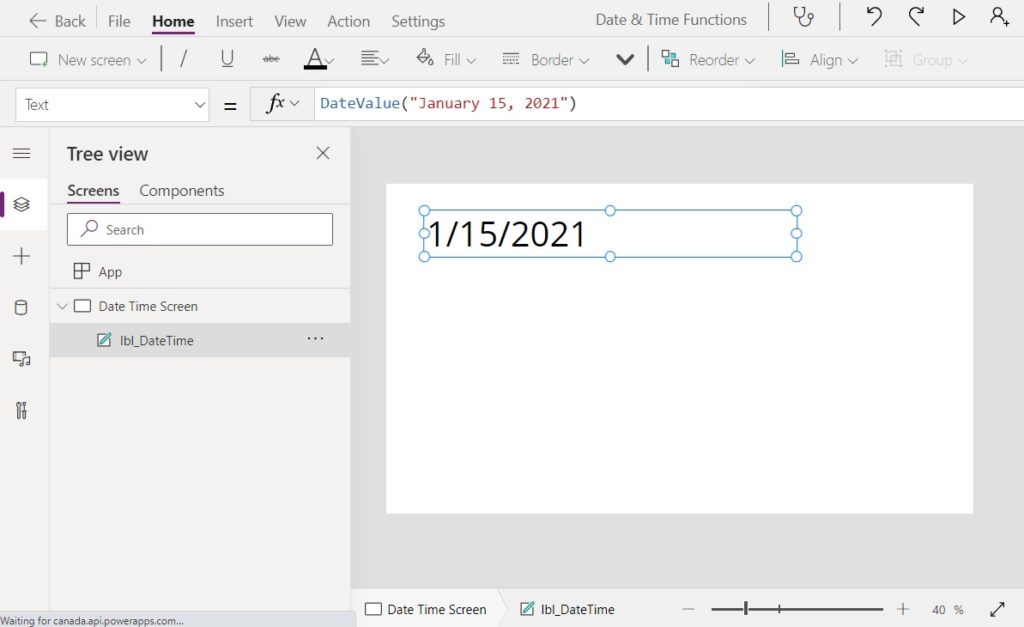
Converts a date stored as text into a date data-type
Syntax
DateValue(string [,language])
Arguments
string – text string containing a date
language [optional] – two letter language code, defaults to current user’s language
Examples
DateValue("January 15, 2021")  // Result: January 15, 2021
DateValue("01/15/2021")        // Result: January 15, 2021Code language: JavaScript (javascript)
TimeValue Function
Purpose
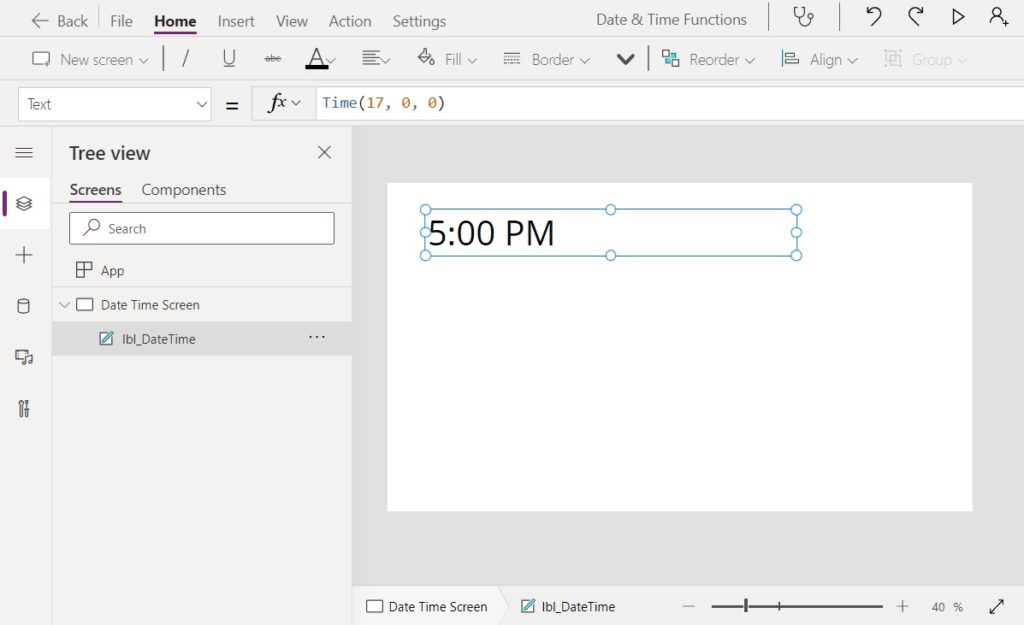
Converts a time stored as text into a time data-type
Syntax
TimeValue(string [,language])
Arguments
string – text string containing a time
language [optional] – two letter language code, defaults to current user’s language
Examples
TimeValue("2:00 PM") // Result: 2:00 AM
TimeValue("17:00")   // Result: 2:00 PMCode language: JavaScript (javascript)
DateTimeValue Function
Purpose
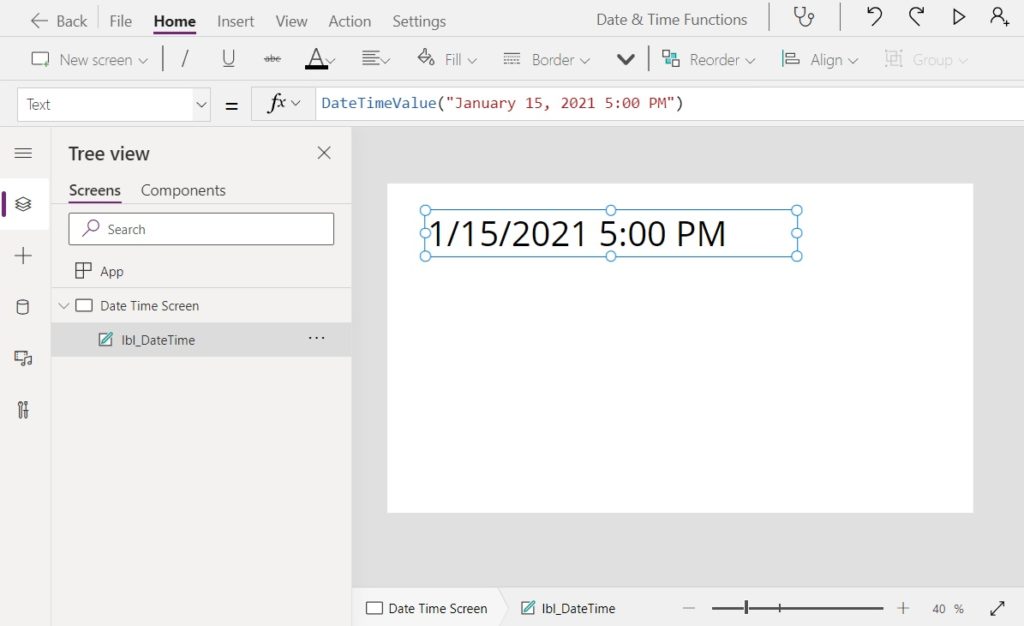
Converts a date & time stored as text into a time data-type
Syntax
DateTimeValue(string [,language])
Arguments
string – text string containing a datetime
language [optional] – two letter language code, defaults to current user’s language
Example
DateTimeValue("October 11, 2014 1:50:24 PM") // Result: October 11, 201 1:50:24 PMCode language: JavaScript (javascript)
Text Function
Purpose
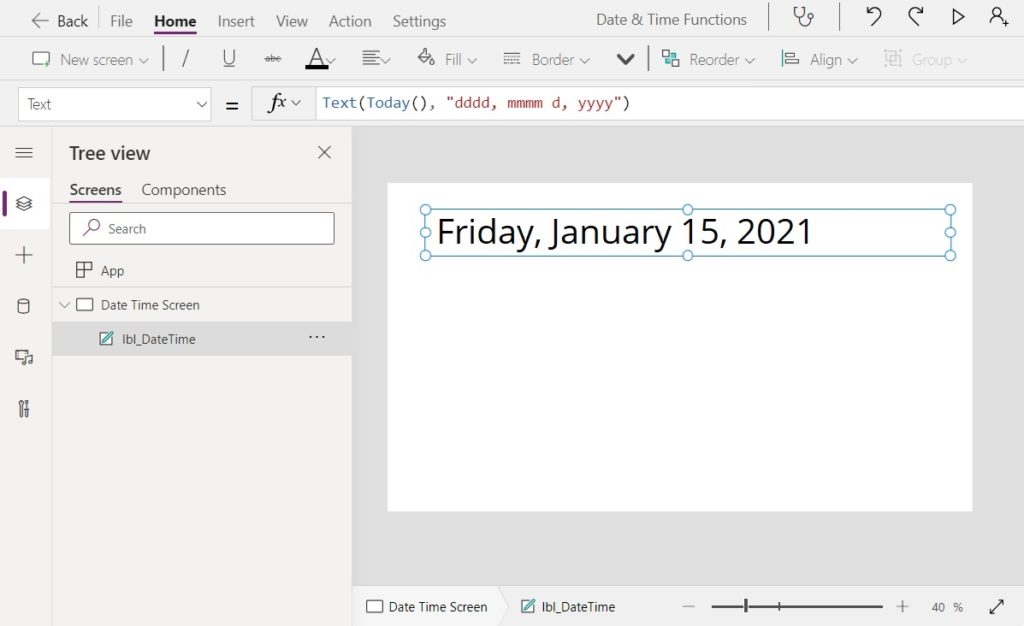
Applies a date format and changes the data-type to text
Syntax #1
Text(NumberOrDateTime, DateTimeFormatEnum [, ResultLanguageTag])
Arguments
NumberOrDateTime – text string containing a datetime
DateTimeFormatEnum – value belonging to the DateTimeFormat enum. See list below.
ResultLanguageTag [optional] – two letter language code, defaults to current user’s language
Example
Assume the current date & time is January 15, 2021 5:00:00 PM.
Text(Today(), "m/d/yyyy") // Result: "1/15/2021"Code language: JavaScript (javascript)
Syntax #2
Text( NumberOrDateTime, CustomFormat [, ResultLanguageTag ] )
Arguments
NumberOrDateTime – text string containing a datetime
Custom Format – text string with date formatting code. See list below.
ResultLanguageTag [optional] – two letter language code, defaults to current user’s language
Example
Assume the current date & time is January 15, 2021 5:00:00 PM
Text(Today(), "m/d/yyyy") // Result: "1/15/2021"Code language: JavaScript (javascript)
Syntax #3
Text(NumberOrDateTime)
Arguments
NumberOrDateTime – text string containing a datetime
Example
Assume the current date & time is January 15, 2021 5:00:00 PM.
Text(Today()) // Result: "1/15/2021"Code language: JavaScript (javascript)
Date and Time Formatting Codes
Use these formatting codes in the 2nd parameter of the Text function.
| Enum Format | Text Format | Result |
| LongDate | “dddd, mmmm d, yyyy” | “Friday, January 15, 2021” |
| LongDateTime | “dddd, mmmm d, yyyy hh:mm:ss AM/PM” | “Friday, January 15, 2021 5:00:00 PM” |
| LongDateTime24 | “dddd, mmmm d, yyyy hh:mm:ss” | “Friday, January 15, 2021 17:00:00” |
| LongTime | “hh:mm:ss AM/PM” | “5:00:00 PM” |
| LongTime24 | “hh:mm:ss” | “17:00:00” |
| ShortDate | “m/d/yyyy” | “1/15/2021” |
| ShortDateTime | “m/d/yyyy hh:mm AM/PM” | “1/15/2021 5:00 PM” |
| ShortDateTime24 | “m/d/yyyy hh:mm” | “1/15/2021 17:00:00” |
| ShortTime | “hh:mm AM/PM” | “5:00 PM” |
| ShortTime24 | “hh:mm” | “17:00” |
| UTC | “2021-01-15T23:00:00.000Z” |
Date & Time Manipulation Functions
DateAdd Function
Purpose
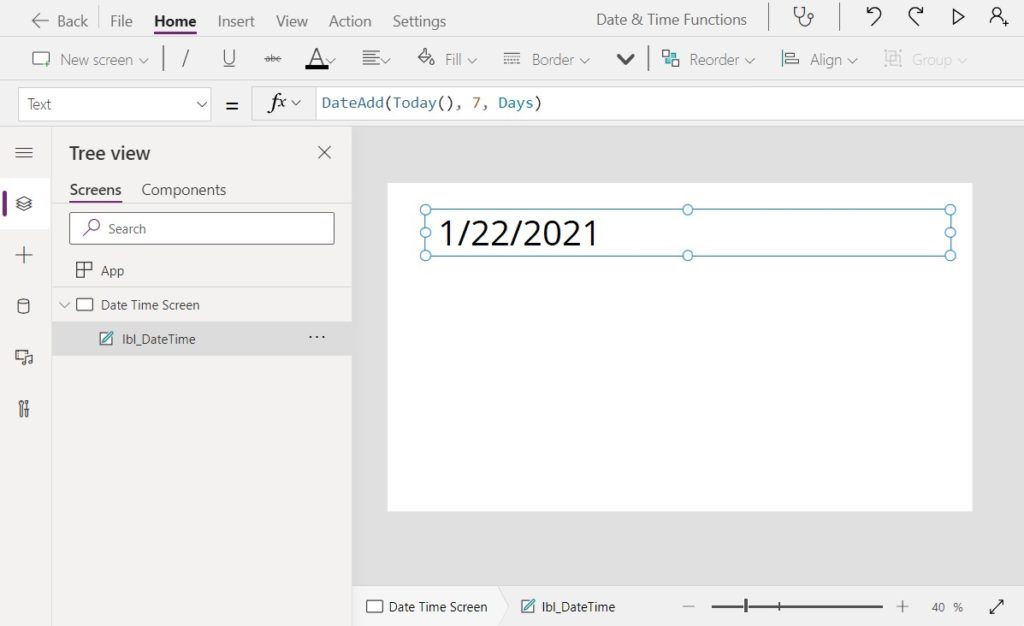
Adds a number or days to a date & time value. Can also add another time unit such as hours or months. If a negative number is supplied the number of time units will be subtracted.
Syntax
DateAdd(DateTime, Addition [, Units])
Arguments
DateTime – date and time value
Addition – number of days or other time units to add to the DateTime
Units [optional] – one of the following enum values: Years, Quarters, Months, Days, Hours, Minutes, Seconds or Milleseconds. Default units are days.
Examples
Assume the current date & time is January 15, 2021 5:00:00 PM.
DateAdd(Today(), 7)          // Result: January 22, 2021
DateAdd(Today(), 2, Months)  // Result: March 15, 2021
DateAdd(Today(), -1, Years)  // Result: January 15, 2020Code language: JavaScript (javascript)
DateDiff Function
Purpose
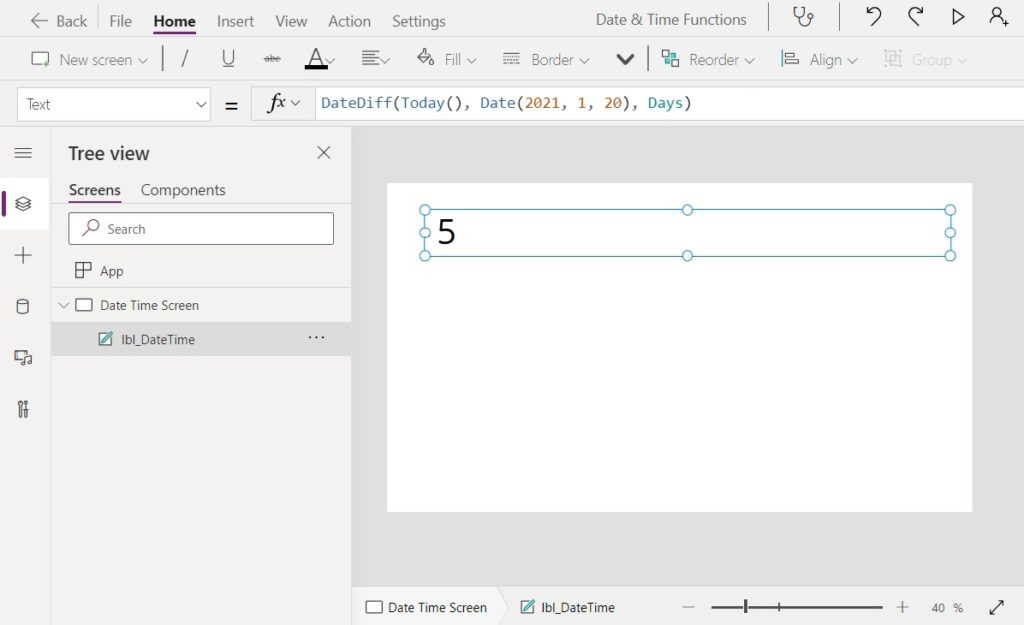
Finds the a number or days between a start date and an end date. Can also add another time unit (e.g. hours, months)
Syntax
DateDiff(StartDateTime, EndDateTime [, Units])
Arguments
StartDateTime – starting date and time value
EndDateTime – ending date and time value
Units [optional] – one of the following enum values: Years, Quarters, Months, Days, Hours, Minutes, Seconds orMilleseconds. Default units are days.
Examples
Assume the current date & time is January 15, 2021 5:00:00 PM
DateDiff(Today(), Date(2021, 01, 20), Days)  // Result: 5 days
DateDiff(Date(2021, 01, 15)+Time(9, 0, 0), Today(), Hours)  // Result: 8 hoursCode language: JavaScript (javascript)
EDate Function
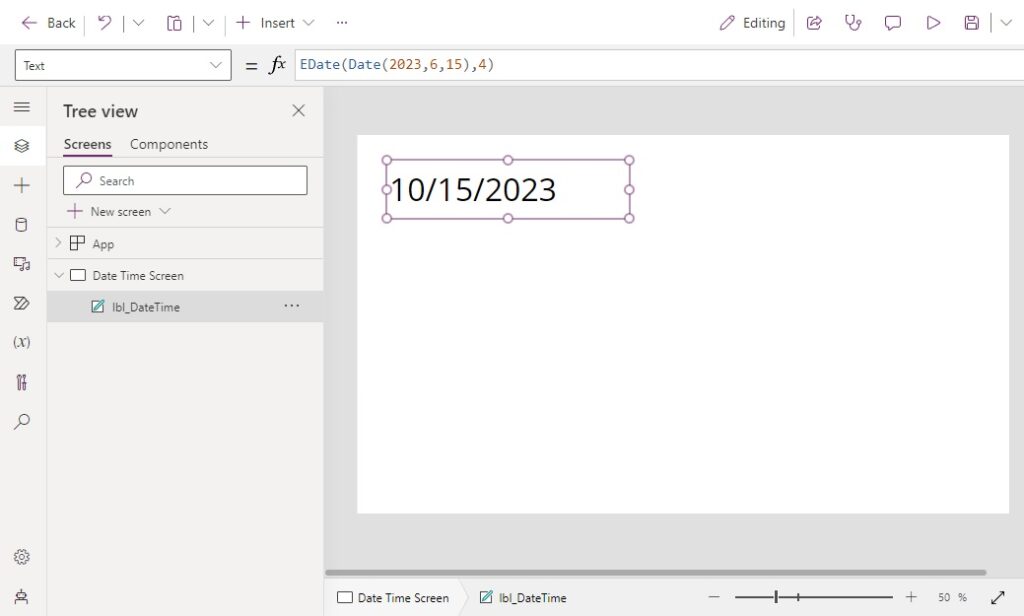
Purpose
Adds a given number of months to a date. The day number remains the same unless the new value is beyond the end of the month.
Syntax
EDate(StartDateTime, EndDateTime [, Units])
Arguments
Date – starting date and time value
Months – months to add or subtract from the date.
Examples
Assumes the current date is June 15, 2023.
EDate(Today(), 4)   // Result: October 15, 2023
EDate(Today(), -2)  // Result: April 15, 2023
EDate(Date(2023, 05, 31), 1)   // Result: June 30, 2023Code language: JavaScript (javascript)
EOMonth Function
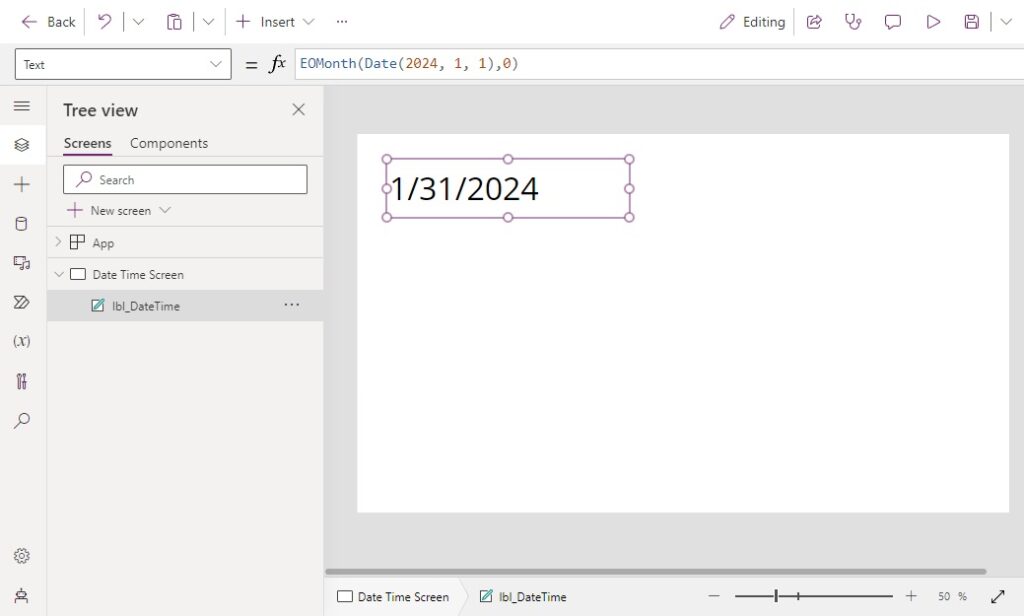
Purpose
Returns the last day of the month for a given date.
Syntax
EOMonth(Date [, Months])
Arguments
Date – starting date and time value
Months [optional] – ending date and time value
Examples
Assume the current date is January 1, 2024.
EOMonth(Today())       // Result: January 31, 2024
EOMonth(Today(), 2)    // Result: March 31, 2024
EOMonth(Today(), -1)   // Result: December 31, 2023Code language: JavaScript (javascript)
TimeZoneOffset Function
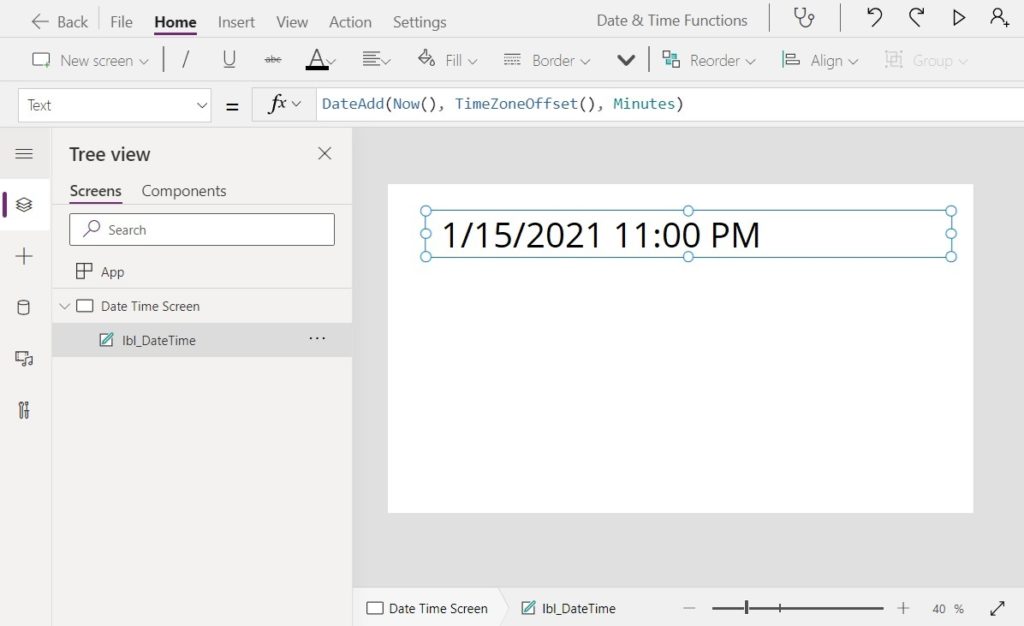
Purpose
Returns the number of minutes between the user’s local time and Universal Co-ordinated Time (UTC)
Syntax
TimeZoneOffset()
Examples
Converts the user’s local time to UTC. Assume the user’s local current date & time is January 15, 2021 5:00:00 PM
DateAdd(
    Now(),
    TimeZoneOffset(),
    Minutes
)

// Result: January 15, 11:00PMCode language: JavaScript (javascript)
Converts UTC to the user’s local time. Assume the current UTC date & time is January 15, 2021 11:00:00 PM
DateAdd(
    StartTime,
    −TimeZoneOffset(StartTime),
    Minutes
)

// Result: January 15, 5:00PMCode language: JavaScript (javascript)
Date & Time Parsing Functions
Year Function, Month Function, Day Function, WeekNum Function, ISOWeekNum Function, Hour Function, Minute Function, Second Function
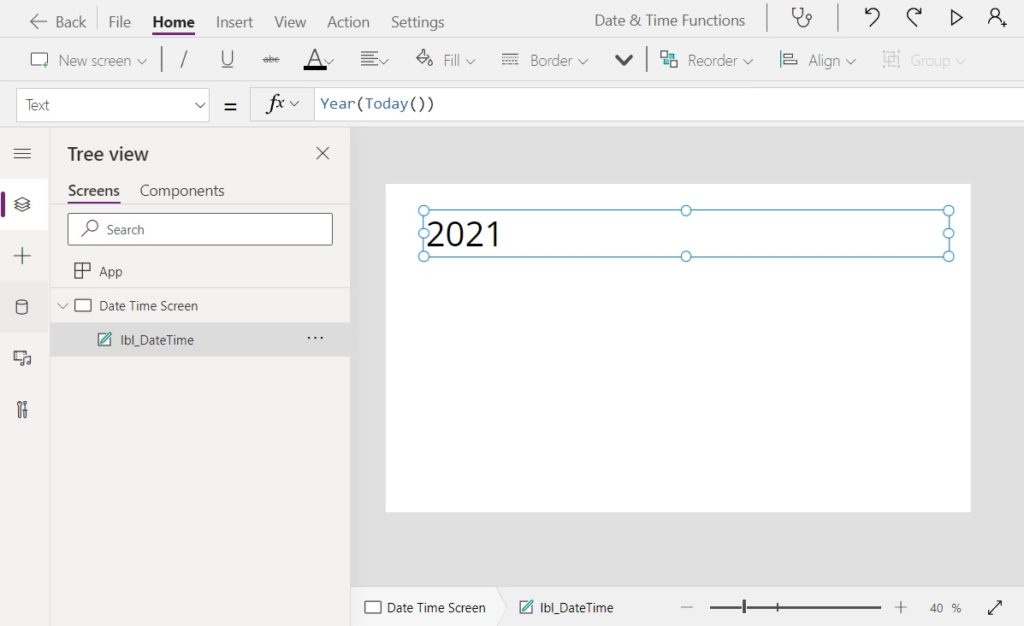
Purpose
Extracts an single part of the date & time value
Syntax
Year()
Month()
Day()
Weekday()
WeekNum()
ISOWeekNumber()
Hour()
Minute()
Second()
Examples
Assume the current date & time is January 15, 2021 5:00:00 PM.
Year(Now())        // Result: 2021
Month(Now())       // Result: 1
Day(Now())         // Result: 15
Weekday(Now())     // Result: 3
WeekNum(Now())     // Result: 3
ISOWeekNum(Now())  // Result: 2
Hour(Now())        // Result: 17
Minute(Now())      // Result: 0
Second(Now())      // Result: 0Code language: JavaScript (javascript)
Logical Functions
IsToday Function
Purpose
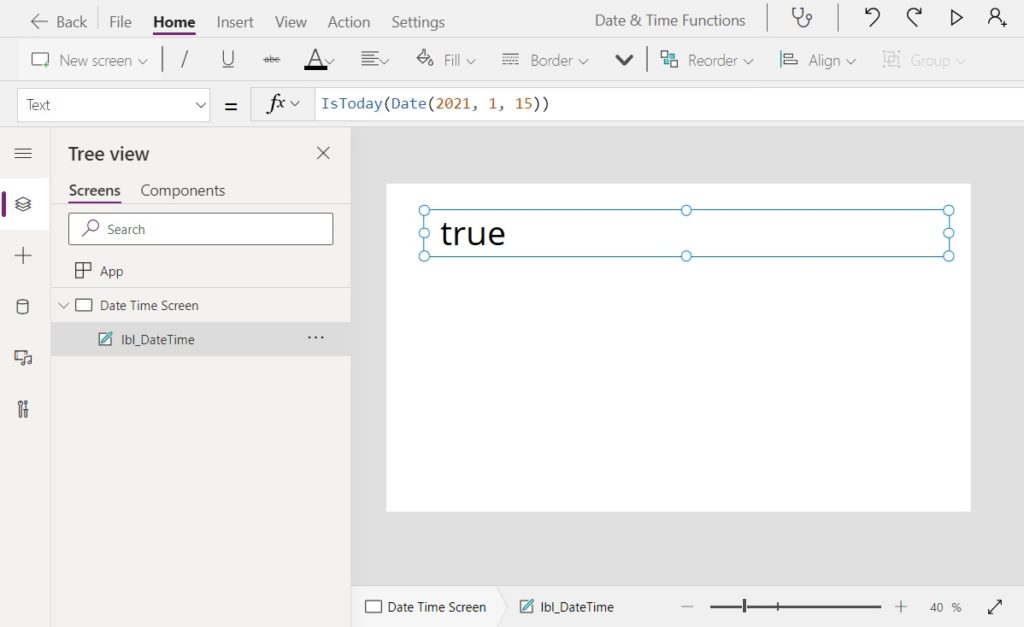
Checks whether a date & time value is within the current day and returns a true/false value.
Syntax
IsToday(DateTime)
Arguments
DateTime – a date & time value to compare
Examples
Assume the user’s local current date & time is January 15, 2021 5:00:00 PM.
IsToday(Date(2021, 1, 15)  // Result: true
IsToday(Date(2021, 1, 22)  // Result: falseCode language: JavaScript (javascript)
Date & Time Information Functions
Calendar Function
Purpose
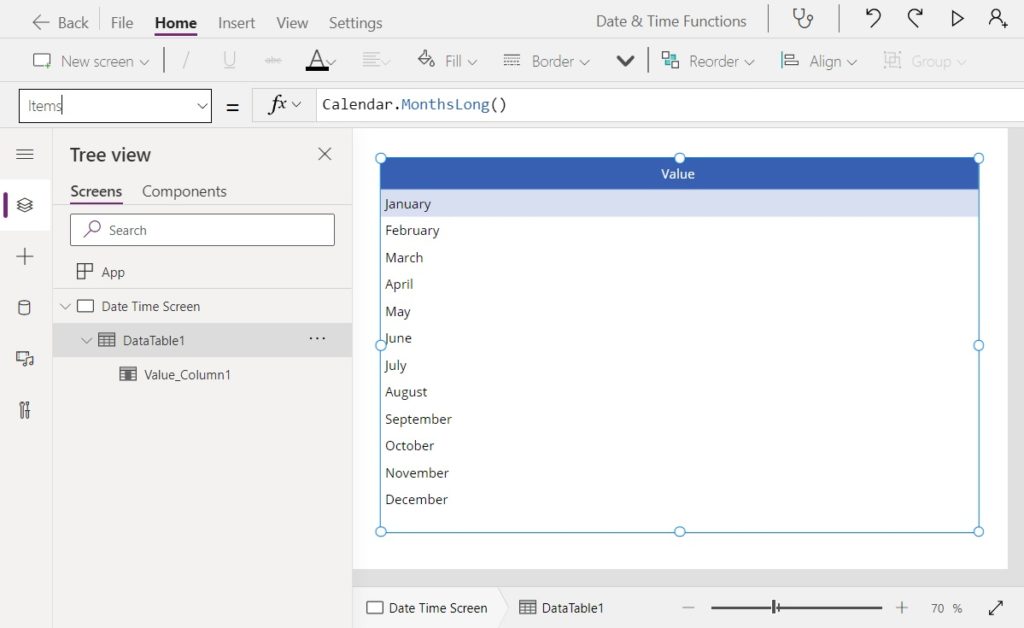
Returns calendar information for the user’s current locale.
Syntax
Calendar.MonthsLong()
Calendar.MonthsShort()
Calendar.WeekdaysLong()
Calendar.WeekdaysShort()
Examples
| Formula | Result |
| Calendar.MonthsLong() | [ “January”, “February”, “March”, “April”, “May”, “June”, “July”, “August”, “September”, “October”, “November”, “December” ] |
| Calendar.MonthsShort() | [ “Jan”, “Feb”, “Mar”, “Apr”, “May”, “Jun”, “Jul”, “Aug”, “Sep”, “Oct”, “Nov”, “Dec” ] |
| Calendar.WeekdaysLong() | [ “Sunday”, “Monday”, “Tuesday”, “Wednesday”, “Thursday”, “Friday”, “Saturday” ] |
| Calendar.WeekdaysShort() | [ “Sun”, “Mon”, “Tue”, “Wed”, “Thu”, “Fri”, “Sat” ] |
Clock Function
Purpose
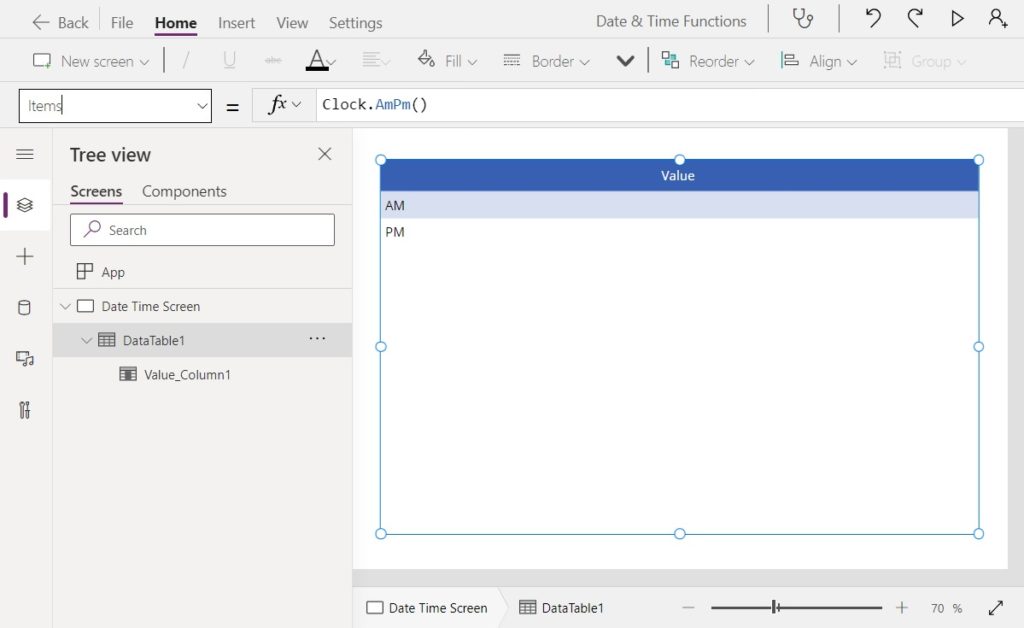
Returns clock information for the user’s current locale.
Syntax
Clock.AmPm()
Clock.AmPmShort()
Clock.IsClock24()
Examples
| Formula | Result |
| Clock.AmPm() | [ “AM”, “PM” ] |
| Clock.AmPmShort() | [ “A”, “P” ] |
| Clock.IsClock24() | FALSE |
Comments